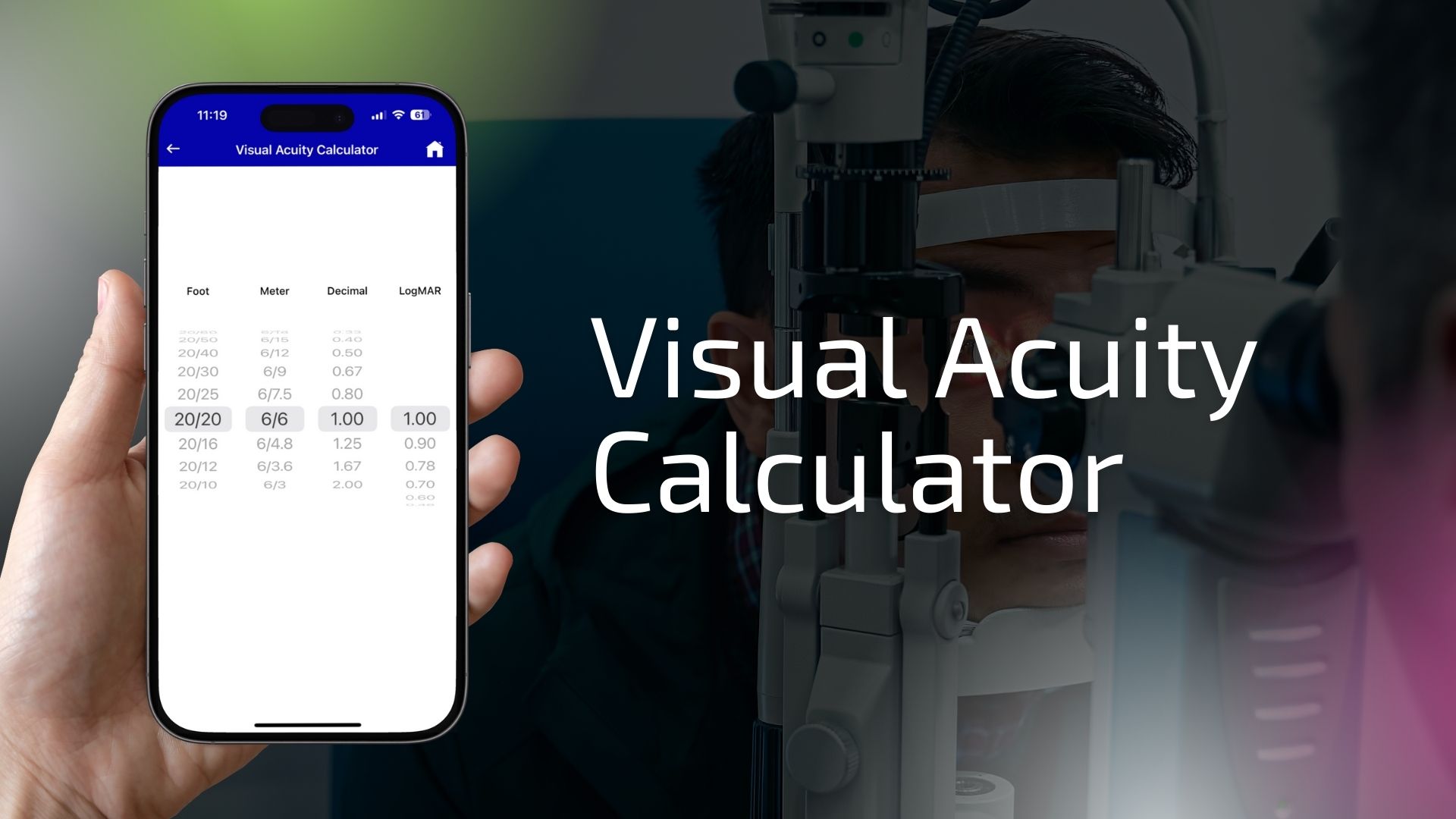
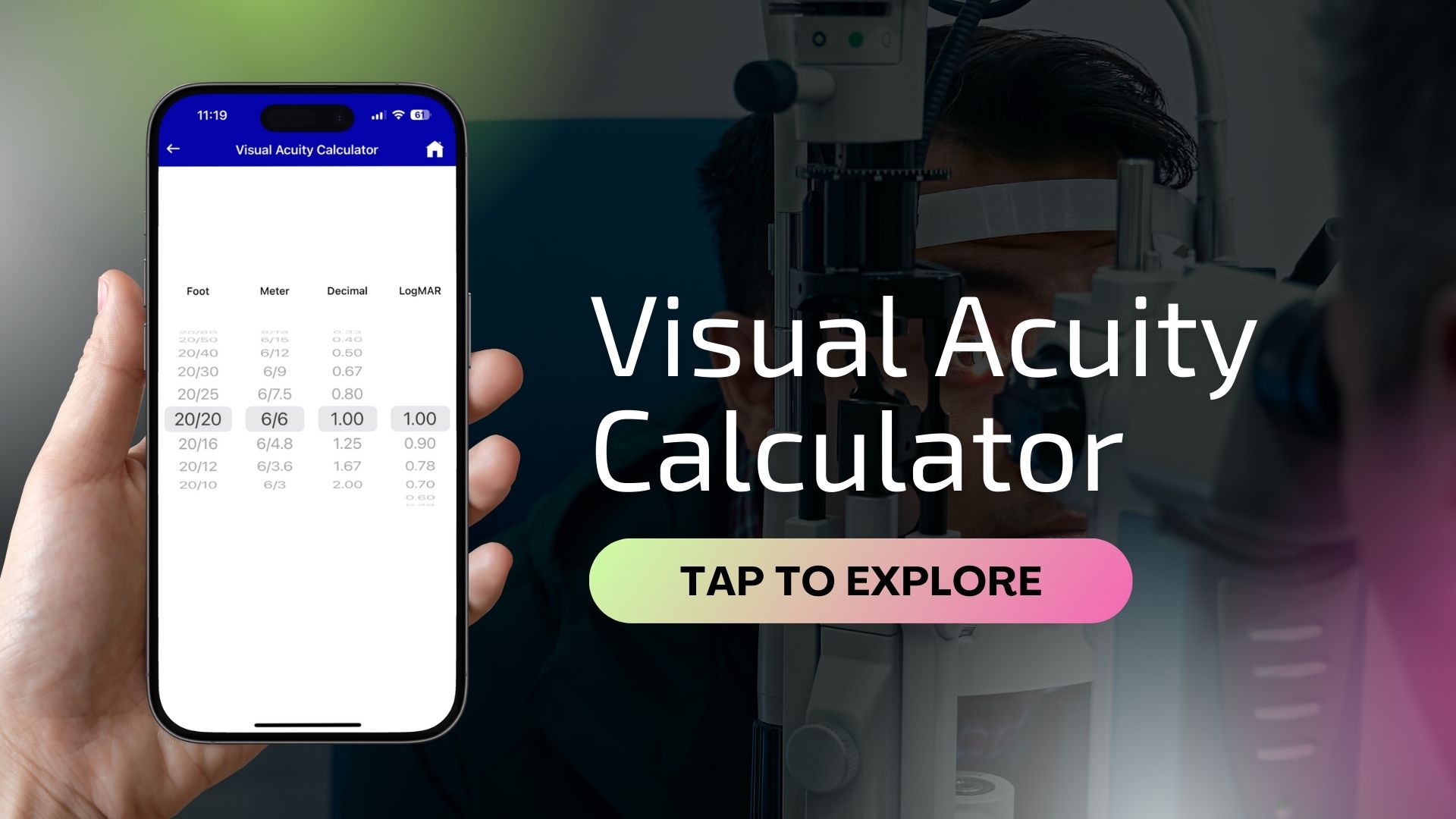
Visual acuity refers to the clarity or sharpness of vision, which is commonly assessed during eye exams using eye charts. It indicates how well a person can see details at a specific distance. The most familiar measurement is the Snellen fraction, such as 20/20, which means you can see at 20 feet what a person with normal vision can also see at 20 feet. A measurement like 20/100 means you must be 20 feet away to see what a person with normal vision can see at 100 feet.
The Visual Acuity Calculator is a convenient tool for converting between different visual acuity measurement formats. It supports Snellen (fractional), Decimal, LogMAR, and Diopter (approximate) formats. Whether you're a student, patient, or eye care professional, this calculator helps bridge the gap between test results and understanding vision quality.
Using this calculator, you can:
Understanding visual acuity in multiple formats can be especially helpful when:
A LogMAR score of 0.0 corresponds to 20/20 vision, and higher LogMAR scores indicate worse vision. Decimal acuity, on the other hand, ranges from 0.1 (poor vision) to 1.0 or more (excellent vision).
| Snellen | Decimal | LogMAR | Approx. Diopter |
|---|---|---|---|
| 20/20 | 1.0 | 0.0 | 0.00 D |
| 20/40 | 0.5 | 0.3 | -0.75 D |
| 20/100 | 0.2 | 0.7 | -2.00 D |
This calculator is ideal for quick reference and educational use. It's particularly useful in multi-lingual or international settings where different vision standards are used.
This tool is designed for educational and informational purposes only. It does not replace a comprehensive eye exam or professional diagnosis. Approximate diopter values provided are rough estimates and should not be used to determine corrective lens prescriptions.